
Data loss can be an alarming experience. In the rush to recover lost files, many users turn to data recovery software—hoping for a quick and easy fix. However, using the wrong software or applying it to the wrong kind of failure can actually make the situation worse, sometimes causing irreversible damage.
This article explores when data recovery software is helpful, when it’s risky, and how to avoid making a crash worse.
When Data Recovery Software is Safe to Use
Data recovery software is effective in certain situations—especially those involving logical failures, such as:
- Accidental file deletion
- Formatted drives
- Corrupted file systems
- Unreadable USB drives or SD cards
If the drive is functioning normally—no unusual noises, delays, or crashes—then it’s generally safe to use software tools like Recuva, EaseUS Data Recovery Wizard, or Stellar Data Recovery.
Important Tip: Always attempt recovery on a clone or image of the drive when possible, not the original disk. This preserves the original data in case something goes wrong during the process.
When Software Can Make Things Worse
Using data recovery software on a drive that is physically failing can be dangerous. Recovery programs work by scanning the drive sector by sector, often for hours at a time. On a drive with hardware damage, this stress can lead to mechanical failure and further data loss.
Signs of a Failing or Damaged Drive:
- Clicking or grinding noises
(could indicate a failed read/write head or motor issue) - The drive is only detected intermittently
- Frequent crashes, blue screens, or system freezes
- Slow access to files or directories
- Excessive heat generation
- S.M.A.R.T. warnings or failure status
Running software on a disk exhibiting any of these signs can result in deep scratches on the platters, permanent loss of data, or a completely unreadable device.
Understanding S.M.A.R.T. Warnings
Modern hard drives include a feature called S.M.A.R.T. (Self-Monitoring, Analysis, and Reporting Technology), which tracks the health and performance of the drive.
S.M.A.R.T. can be accessed through the system BIOS or using tools such as CrystalDiskInfo or Active SMART. However, S.M.A.R.T. data isn’t available for all external USB drives, and it isn’t always accurate in predicting sudden mechanical failure.
If a drive shows S.M.A.R.T. warnings or reports errors like “Reallocated Sectors Count” or “Spin-Up Time,” it’s best to avoid running recovery software until a professional evaluation is done.
Risks of Prolonged Scanning
If a drive is physically compromised, even just turning it on repeatedly—or scanning it for extended periods—can be harmful.
Possible outcomes of running software on a failing drive include:
- Overheating due to continuous disk access
- Worsening of internal damage, especially to the platters
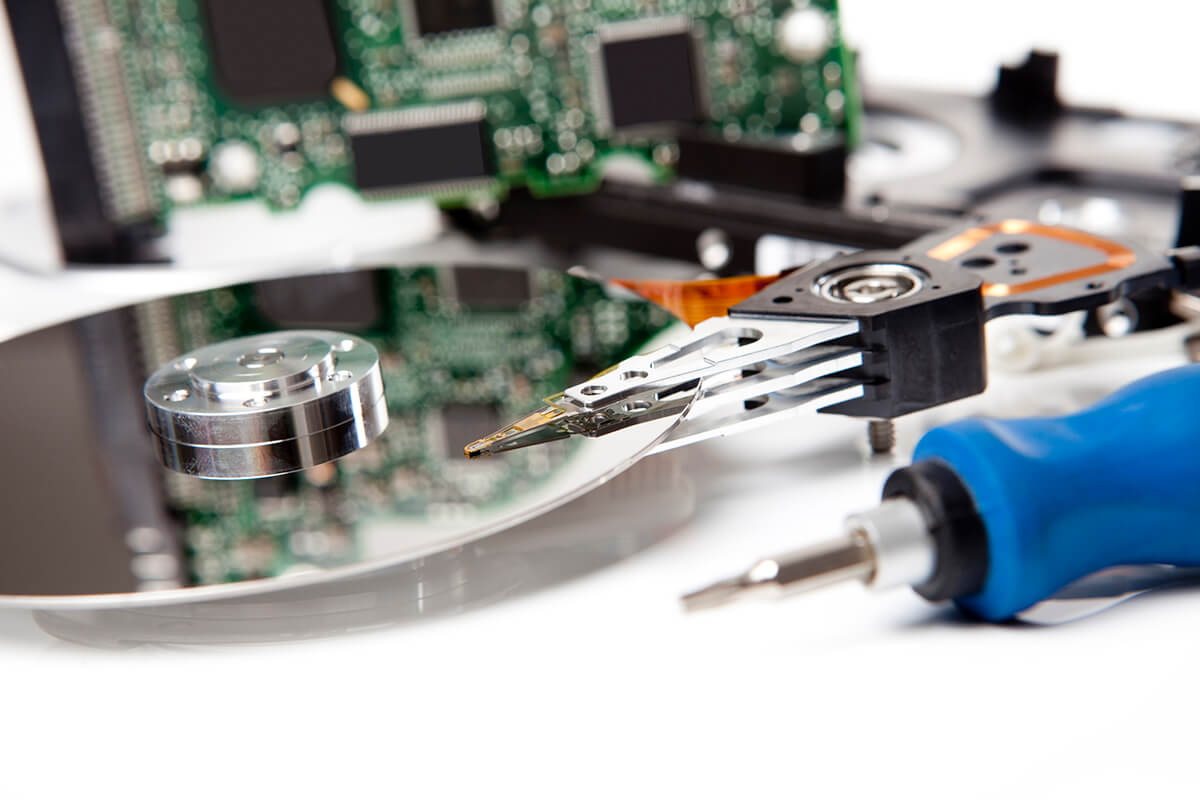
- Head crashes, which can gouge the disk surface
- Complete failure, rendering data permanently inaccessible
Once the internal components suffer physical damage, not even the most advanced tools can retrieve the data.
When to Seek Professional Help
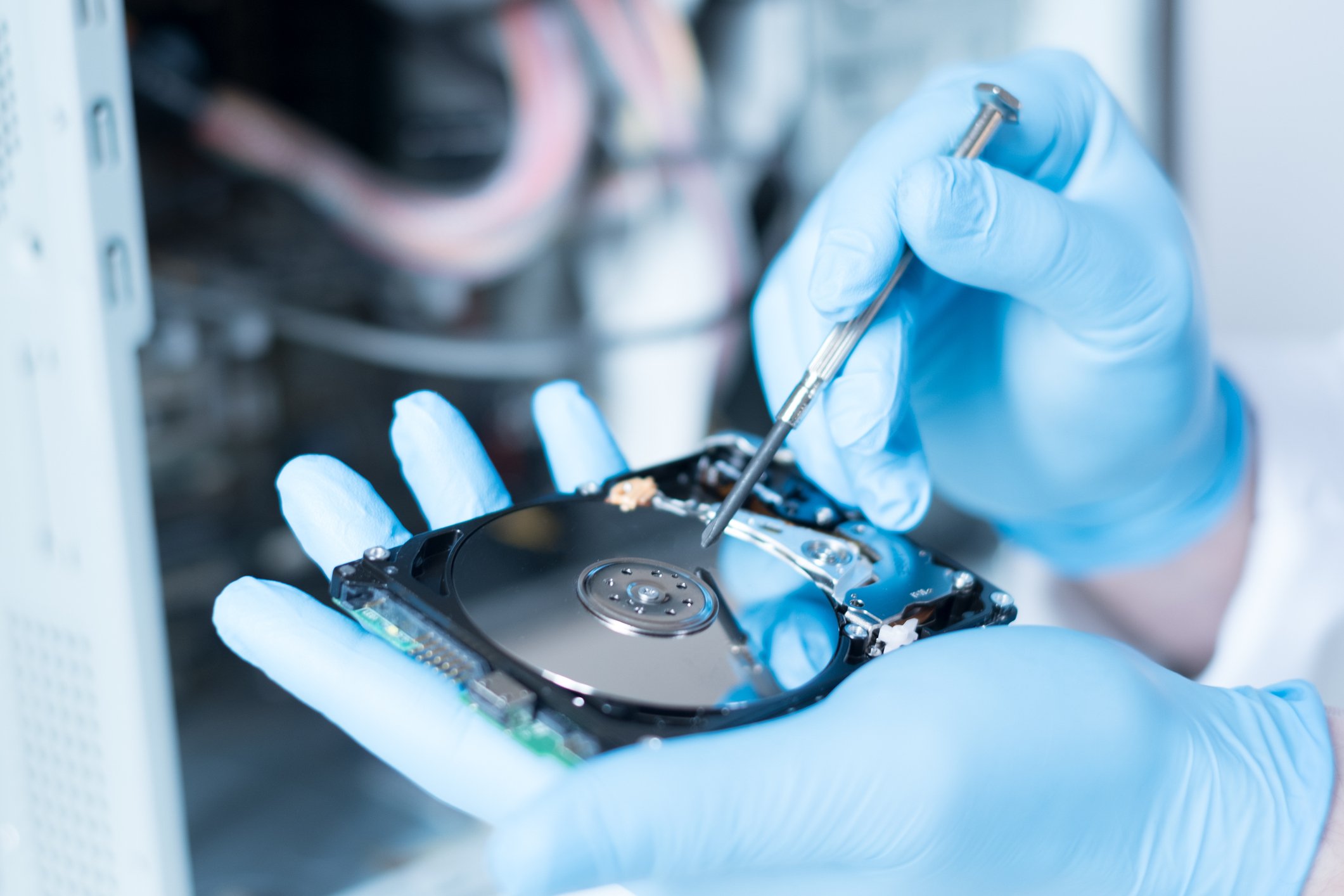
If a drive shows symptoms of mechanical failure, the safest course of action is to stop using it immediately and consult a data recovery specialist. Professionals operate in cleanroom environments using tools and techniques that protect the physical media while extracting the data.
Situations that require expert assistance include:
- Drives with unusual noises (clicking, buzzing, or grinding)
- Drives not detected by BIOS or operating system
- Drives involved in fires, floods, or electrical surges
- RAID systems with multiple failed drives
Attempting DIY recovery in these cases can reduce the likelihood of successful recovery—even by a professional lab.
The Cost of a Mistake
Data recovery costs can vary depending on the complexity of the problem:
| Type of Recovery | Estimated Cost |
|---|---|
| Software recovery | Free – $100 |
| Logical in-lab recovery | $300 – $800 |
| Physical cleanroom recovery | $800 – $2,500+ |
| RAID/multi-drive systems | $1,500 – $5,000+ |
Using the wrong software—or using the right software in the wrong situation—can escalate a simple logical recovery to an expensive physical recovery, or worse, make the data unrecoverable.
Conclusion: Caution is Key
Data recovery software is a powerful tool—but only when used under the right conditions. If a hard drive is physically healthy, software recovery can be quick and effective. However, if the drive shows any signs of hardware failure, software can do more harm than good.
The key takeaway: recognize the warning signs and avoid forcing a damaged drive to run. In many cases, doing nothing and getting expert advice is far safer than pushing forward with unverified tools.