
A few weeks ago, I experienced the nightmare that every business fears—the sudden loss of critical data due to a hard drive crash. It’s the kind of disaster we often think happens only to others, but it can strike when you least expect it.
For context, I had been diligently backing up my data across two hard drives. However, as I upgraded my hardware, I transitioned to relying solely on a single external hard drive for backup, which I thought would be sufficient. Unfortunately, that external hard drive decided to malfunction at a crucial moment, and just like that, I lost all of my data.
This terrifying experience taught me the importance of having multiple backup solutions in place. In this article, I’ll walk you through some effective Data Recovery Services options, including preventive solutions like online backups, and share a personal example of how a data recovery service helped me recover important data. But first, let’s start with some sobering statistics.
Statistics About Data Loss
Before diving into recovery options, it’s essential to understand how common and damaging data loss can be. According to industry reports:
- Over 60% of businesses that lose their data will close within six months.
- 70% of data loss incidents occur due to hardware failure, like hard drive crashes or system malfunctions.
- Only 32% of businesses have a comprehensive backup plan in place to prevent data loss.
These statistics emphasize the importance of having a solid backup and recovery strategy to mitigate the risk of data loss. Now, let’s explore how to handle a hard drive crash and recover your valuable data.
The Initial Reaction: Should You Try to Recover Data Yourself?
The first question most people ask after experiencing a hard drive failure is: “Can I recover my data?” The answer depends on the nature of the crash, but in most cases, the best course of action is to seek professional help. Data recovery can be a complex process, and attempting to recover the data yourself without the proper tools or expertise may cause further damage.
If you’re not an experienced computer technician, it’s wise to consult a data recovery specialist right away. Here’s why:
- Risk of Overwriting Data: If you continue using the crashed hard drive, you risk overwriting the data, making it much harder or even impossible to recover.
- Potential for Further Damage: Attempting DIY recovery methods, such as opening the hard drive or using non-specialized recovery tools, can cause physical damage to the drive, further complicating the recovery process.
When and How to Seek Data Recovery Services
If you’re faced with a hard drive failure, here’s what you should do to maximize your chances of data recovery:
Step 1: Stop Using the Affected Drive
Once you realize your hard drive is failing, stop using it immediately. Don’t attempt to open files or run any software on the drive, as this may overwrite the lost data. The sooner you stop using the drive, the better the chances of recovery.
Step 2: Choose a Professional Data Recovery Service
Choosing the right data recovery service is crucial. While there are DIY recovery tools available, they are typically only effective for simpler cases, such as accidentally deleted files. In more severe cases—like a crashed hard drive—it’s best to trust specialists who have the right tools and knowledge to recover your data without causing additional harm.
- Specialized Tools and Expertise: Professional data recovery companies have access to advanced tools and techniques, including clean rooms and hardware repair services, which are required to handle complex recovery tasks.
- Experience with Different Hard Drive Types: A data recovery specialist will be familiar with different hard drive brands and models, as well as the various types of crashes (physical, logical, or electrical failures).
Step 3: Assess the Damage
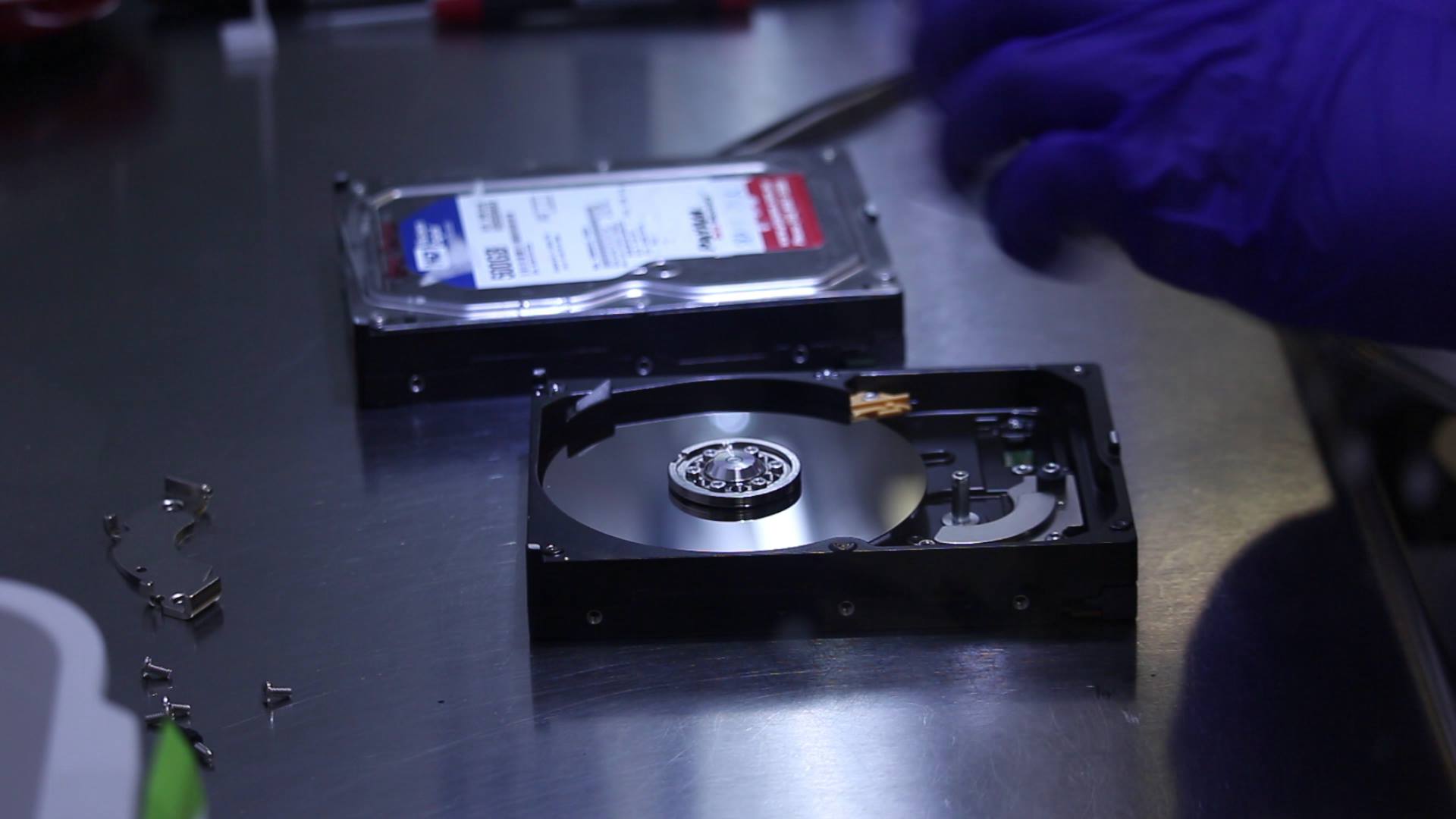
Once you contact a professional service, they will typically run a diagnostic on the affected hard drive to assess the extent of the damage. If the damage is physical (e.g., the drive is making unusual noises), they may need to open the drive in a controlled environment to retrieve the data.
In my case, I was fortunate to work with ArrowSoft, a data recovery company located in Talence, who were able to recover all of my Twitter data. They had the expertise and tools necessary to handle the physical damage to the external drive and restore the data I thought I had lost forever.
Step 4: Data Recovery and Restoration
Once the diagnostics are complete, the data recovery service will begin the recovery process. This step can take anywhere from a few hours to a few days, depending on the complexity of the recovery. Once recovered, the data will be transferred to a new, working drive, and you’ll be able to access your files once again.
Preventive Measures: How to Avoid Data Loss in the Future
While data recovery services are invaluable when things go wrong, prevention is always better than cure. Here are some preventive measures you can take to protect your data:
1. Implement a Robust Backup Strategy
One of the most important lessons I learned from my experience is the need for multiple backup solutions. Ideally, you should use the 3-2-1 backup rule:
- 3 copies of your data: One on your computer, one on an external hard drive, and one in the cloud.
- 2 different types of storage media: Using a combination of physical (external drives, USBs) and cloud-based storage (online backups).
- 1 offsite copy: Cloud storage serves as an offsite backup, which protects against local disasters like fires or theft.
2. Use Cloud Backup Services
Cloud-based backup services like Google Drive, Dropbox, OneDrive, and Backblaze provide an additional layer of protection. These services offer automatic backups, so you don’t have to remember to back up your files manually.
Cloud backups are especially helpful because they allow you to access your files from anywhere and don’t rely on a physical device that could fail.
3. Regularly Test Your Backups
It’s not enough to just back up your data—you should periodically test your backups to ensure they are working correctly. The last thing you want is to discover your backup files are corrupted when you need them most.
4. Consider Using RAID Arrays or NAS for Critical Data
For businesses or individuals dealing with large amounts of important data, consider using a RAID (Redundant Array of Independent Disks) setup or a NAS (Network Attached Storage) solution. These systems provide data redundancy, meaning that if one drive fails, your data remains accessible from another drive in the array.
Conclusion: How to Handle a Hard Drive Crash and Prevent Data Loss
A hard drive crash can be a major setback, but it’s not the end of the world. By stopping usage immediately and seeking a professional data recovery service, you increase your chances of recovering lost data. Once your data is recovered, it’s essential to implement a reliable backup strategy to prevent future incidents.
While data recovery services can help you recover lost data, remember that prevention is the best approach. By regularly backing up your data across multiple platforms—external drives and the cloud—you can avoid the heartache of losing valuable files and ensure your data is always safe.
If you find yourself in a similar situation, don’t panic—there are professionals who can help. For example, companies like ArrowSoft specialize in data recovery and can be your lifesaver in times of crisis.
Stay proactive, and back up your data regularly to avoid the risks of data loss in the future.